Why HR conversations need a private notetaker
People are candid with HR because they trust it stays private. A notetaker that sends their words to a vendor's servers or joins as a bot breaks that trust, and typing through a hard conversation splits your attention. Goodmeet, the AI meeting notetaker from Good Systems, created by the team behind Goodnotes, takes the notes without either problem.
Test any notetaker with our AI notetaker privacy checklist.
Ask for consent before you record
Goodmeet transcribes on your computer and nothing joins the call, so nothing tells the other person they're being recorded unless you say so:
“I take notes with an app that transcribes on my laptop. Nobody else can read them, not even the company that makes it. If you'd rather I didn't, I'll leave it off.”
Ask each candidate, and again when someone new joins a recurring meeting. The help center explains how to ask for consent before you record.


Call detected
Zoom
Follow up on what was agreed
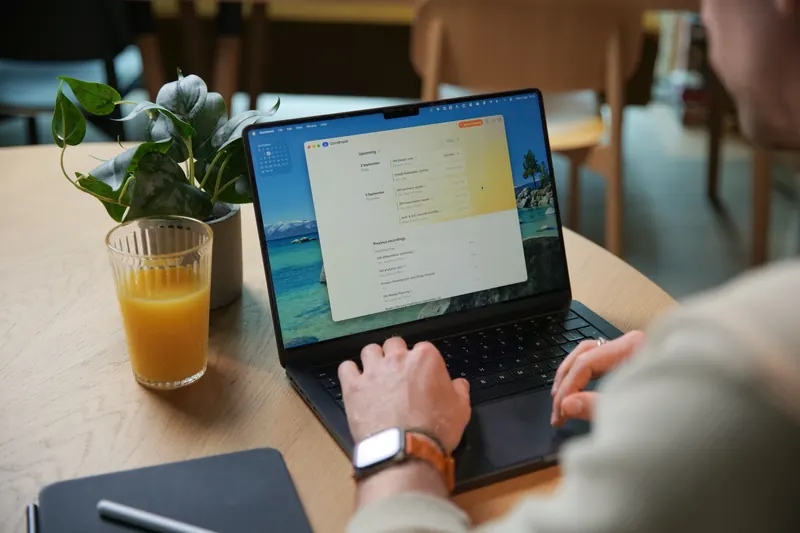
After each conversation, Goodmeet writes a summary with next steps, like the note at the top of this page.
- Start Goodmeet when the conversation begins, and jot notes if you like.
- Ask for a summary when it ends.
- Refine it, adding anything only you noticed.
- Share just the summary, encrypted, with the employee or hiring panel.
Reviews in the room
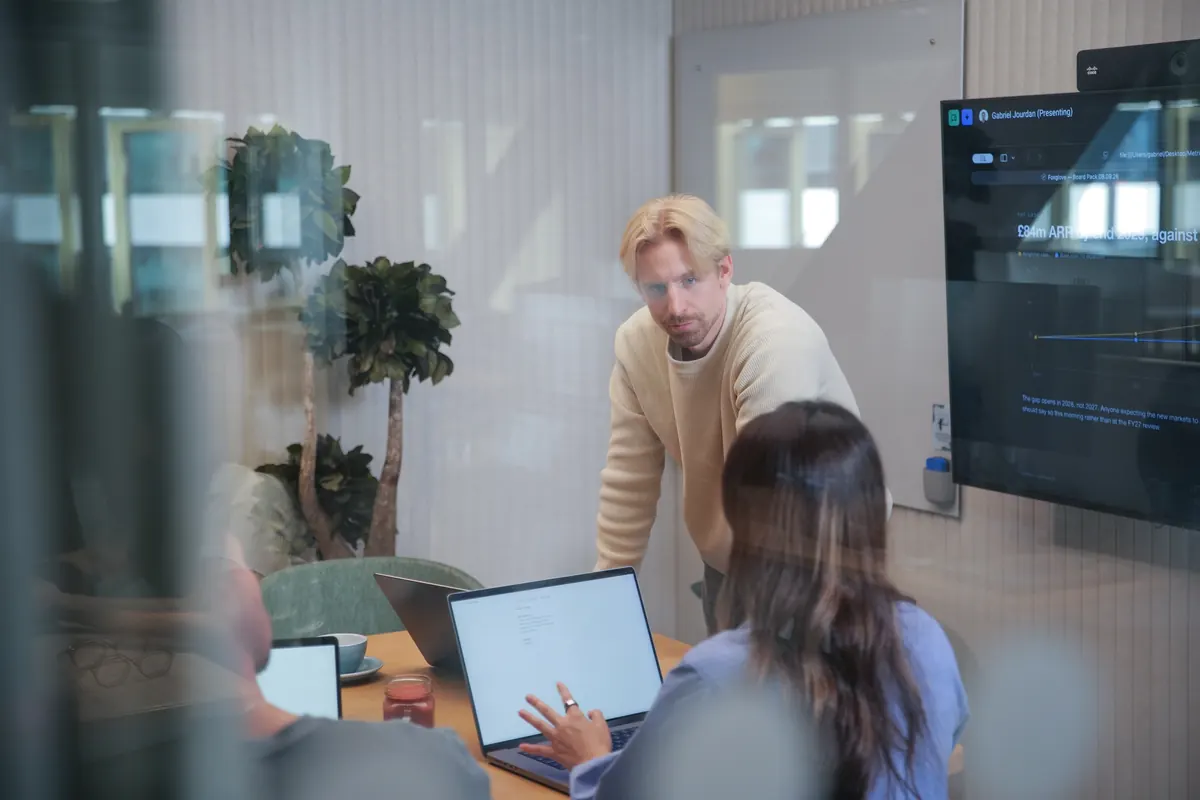
Plenty of reviews and one-on-ones happen in a meeting room. Put your phone on the table, press record and lock the screen: Goodmeet transcribes on the phone, and the note waits on your computer, end-to-end encrypted.

Privacy by design
No audio stored
We don't store your meeting audio. Meetings are transcribed, and the transcript is the only information source.
No model training
Your meetings are never used to train models, improve third-party systems, or build datasets
No bot in your call
Goodmeet listens through your computer's own audio, so nothing extra joins the meeting or appears in the participant list.
Nothing we can hand over
We never hold the keys to your data. Even if we were required to hand it over, all anyone would receive is encrypted content that can't be unlocked without your devices.
Frequently asked questions
Can HR use an AI notetaker without sharing employee conversations with a vendor?
Yes. Goodmeet transcribes on your device and doesn't store your meeting audio. Summaries are generated in confidential computing on Google Cloud in the EU, designed so nobody can read them, including Good Systems and Google. Notes you sync or share are end-to-end encrypted.
Should I use an AI notetaker in performance reviews?
It can help, with the employee's consent. You listen instead of typing, and the written review reflects what was actually said. Tell the employee at the start, and leave it off if they'd rather you didn't.
How do I take interview notes without a bot joining the call?
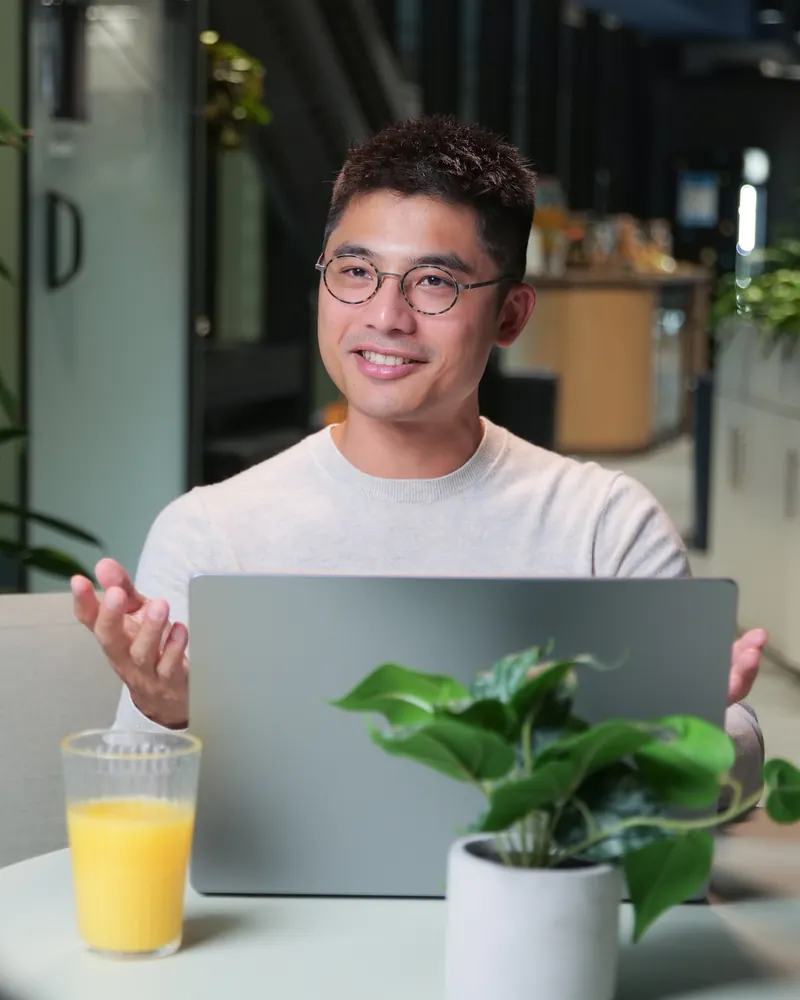
Use a notetaker that records on your own computer. Goodmeet captures your computer's own audio and microphone, so it works with Zoom, Google Meet, Microsoft Teams and any other call, and candidates see only the interviewers. Tell each candidate you're taking notes.
Will employee conversations be used to train AI?
No. Your meetings aren't used to train AI models. Summaries are generated in confidential computing, designed so nobody can read the content while it's processed, and notes you sync or share are readable only by your linked devices and the people you authorize.
Does Goodmeet work for in-person one-on-ones?
Yes. The iPhone app records with the screen locked and transcribes on the phone, then syncs your notes to your computer, end-to-end encrypted. Goodmeet for Android (Beta) records in the room too, and a laptop on the table works as well.
Is there a Goodmeet plan for HR teams?
Goodmeet for Teams is coming soon, with shared team spaces, organization settings and team management, single sign-on, central billing and priority support. Goodmeet for Personal is free for personal use, with no credit card. Compare both on the Goodmeet pricing page.