Which should you choose?
This compares Granola with Goodmeet, the AI meeting notetaker from Good Systems, created by the team behind Goodnotes. Every Granola fact links to Granola's own pages.
- Choose Goodmeet if you want your audio transcribed on your device, summaries designed so nobody can read them, and end-to-end encrypted sync.
- Choose Granola if you want an AI to read across all your meetings and answer your questions about them, and you're fine with cloud transcription.
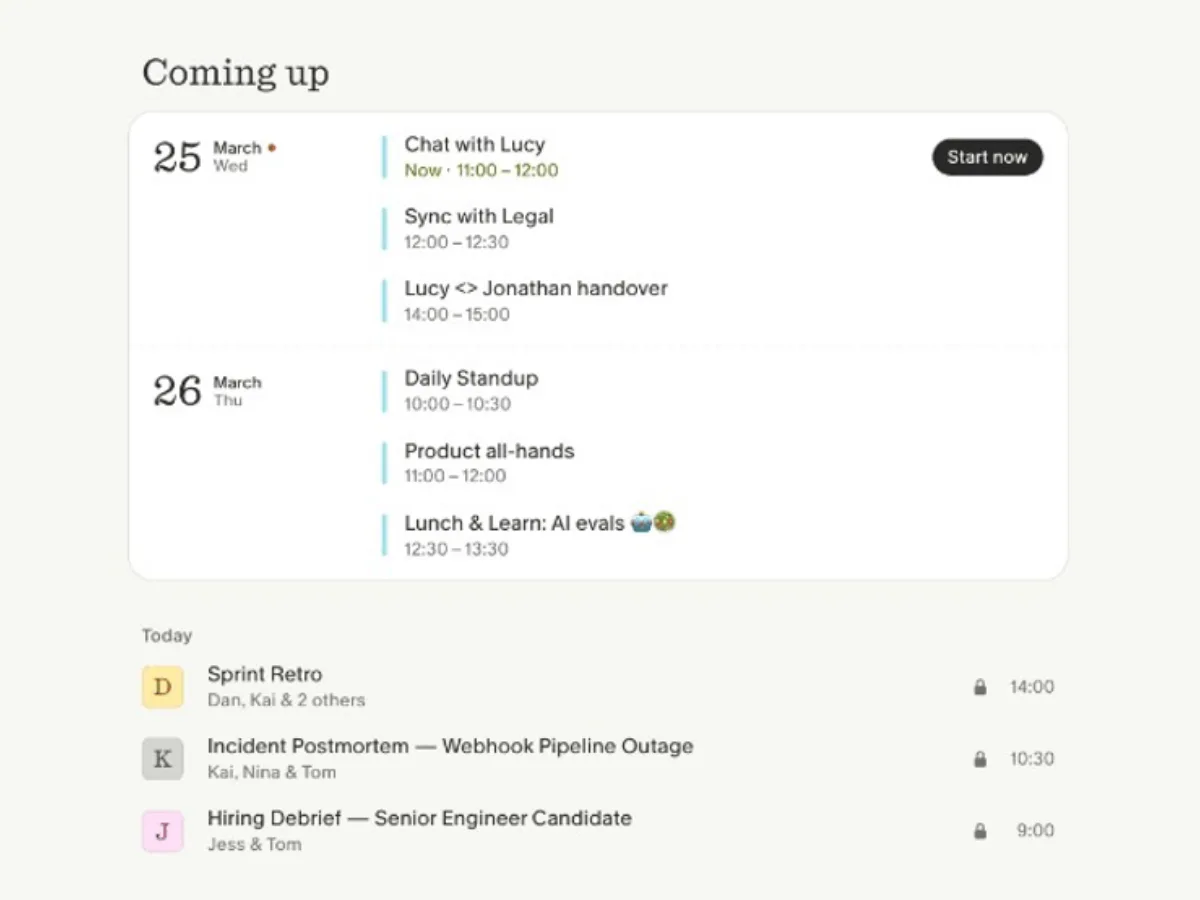
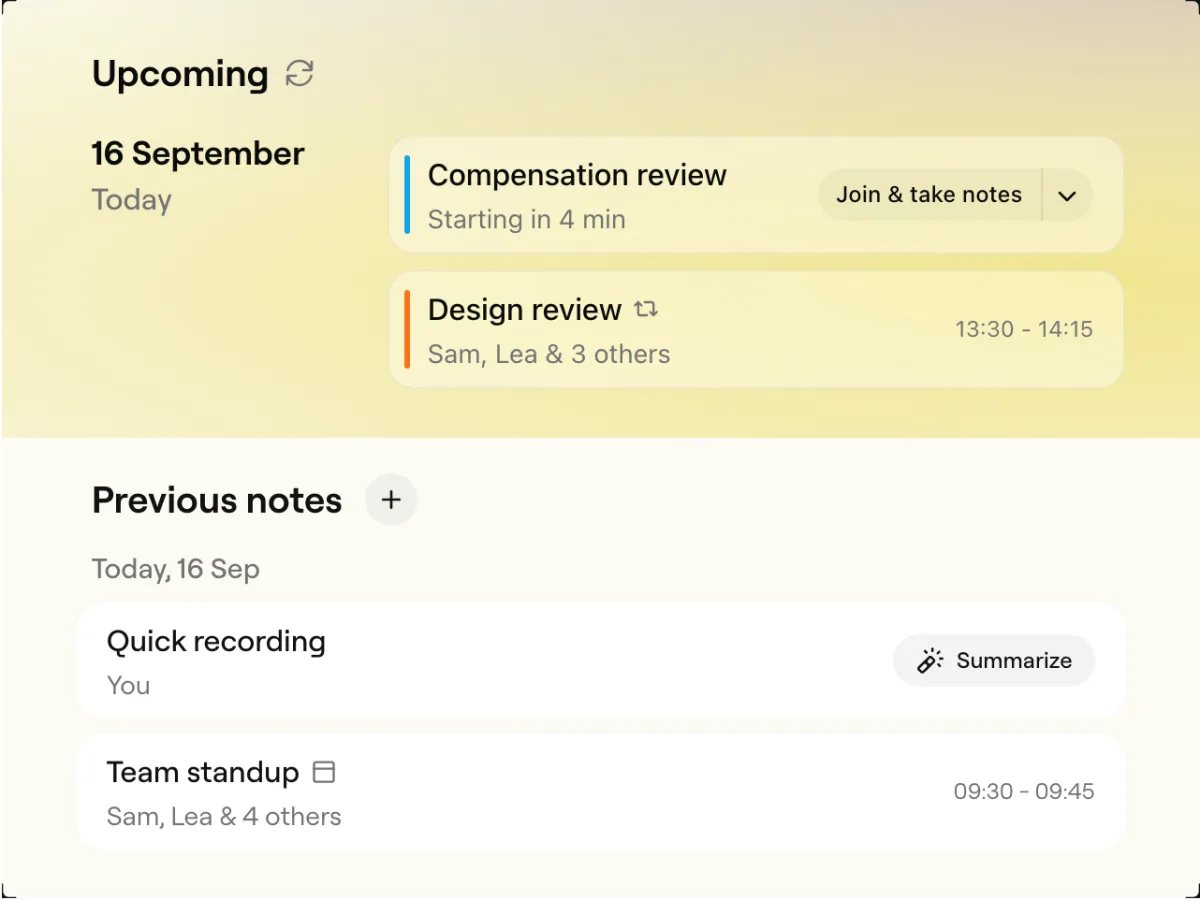
Granola and Goodmeet side by side
| Goodmeet | Granola | |
|---|---|---|
| Bot in the call | No | No, on desktop |
| Transcription | On your device | In the cloud, through Deepgram and AssemblyAI |
| Summaries | In Private Cloud AI, designed so nobody can read them | AI providers such as OpenAI and Anthropic |
| Audio kept | No | No |
| AI training by default | Not used | Anonymised data on Free and Business, unless you opt out |
| Synced notes | End-to-end encrypted, optional | Encrypted at rest and in transit |
| Free plan | $0 for individual use | Basic: $0, with 30 days of meeting history |
Where Goodmeet is different
- Transcription stays on your device. Goodmeet transcribes on your device, so your audio isn't sent to servers or third parties for transcription. Its iPhone app keeps recording with the screen locked and transcribes on the phone. Granola's blog describes its transcription as "cloud processing: the audio is transcribed in real time on Mac and Windows, and after the meeting on mobile using temporarily cached audio."
- Summaries designed so nobody can read them. Goodmeet generates summaries in Private Cloud AI, which runs on confidential computing, a hardware-based trusted execution environment on Google Cloud in the EU. It is designed so nobody can read the content while it is processed: not Good Systems, not Google, not any third party. Summaries need an internet connection. Granola summarizes with AI providers such as OpenAI and Anthropic, and its subprocessor list also names xAI.
- Not used to train AI. Your meetings aren't used to train AI models, and Goodmeet's privacy policy requires your explicit opt-in for any future training. Granola's help center says: "By default on Free and Business plans, anonymised data may be used for Granola's own model improvements." You can opt out at any time, but Granola adds: "We cannot guarantee that anonymised data wasn't used before you changed the setting." Its privacy policy says de-identified data built into its models "may remain in those models and datasets indefinitely".
- End-to-end encrypted sync, or none at all. Goodmeet's sync and sharing are end-to-end encrypted, readable only by your linked devices and the people you authorize, and Good Systems never holds the keys. Sync is optional: with it off, your meetings stay on that computer. Granola says its notes "are encrypted at rest and in transit", and the Granola pages we checked don't mention end-to-end encryption.
Other comparisons
See all seven notetakers compared, or how Goodmeet compares with Otter, Fireflies, Jamie, Meetily and Superwhisper. If you take notes in client sessions, read about private meeting notes for coaches and consultants. To check any notetaker yourself, use the AI notetaker privacy checklist.
Sources
Granola facts are quoted from Granola's own pages:
- Granola security, checked 16 November 2026
- Granola privacy policy, checked 16 November 2026
- Granola pricing, checked 16 November 2026
- Granola subprocessors, checked 16 November 2026
- Granola help: chatting with your meetings, checked 17 November 2026
- Granola blog: local-first vs cloud, checked 16 November 2026
- Granola help: transcription, checked 16 November 2026
- Granola help: security, privacy and data FAQs, checked 16 November 2026
- Granola help: model training, checked 16 November 2026
Goodmeet facts come from Goodmeet's privacy policy, pricing, FAQ and help center.