Which should you choose?
This compares Jamie with Goodmeet, the AI meeting notetaker from Good Systems, created by the team behind Goodnotes. Every Jamie fact links to Jamie's own pages.
- Choose Goodmeet if you want your audio transcribed on your device, summaries designed so nobody can read them, and end-to-end encrypted sync.
- Choose Jamie if you want it to keep a few seconds of each speaker's voice so you can tell who is speaking, and you're fine with your audio being streamed to a transcription provider.
Jamie and Goodmeet side by side
| Goodmeet | Jamie | |
|---|---|---|
| Bot in the call | No | No |
| Transcription | On your device | Streamed in real time to Soniox, a transcription provider |
| Summaries | In Private Cloud AI, designed so nobody can read them | AI models on Google Cloud and Microsoft Azure |
| Audio kept | No | Not retained, except a few seconds per speaker with Speaker Clips on |
| AI training by default | Not used | Not used, Jamie states |
| Synced notes | End-to-end encrypted, optional | Encrypted in transit and at rest |
| Free plan | $0 for individual use | €0: 10 AI notes a month, 30-minute meeting limit |
Where Goodmeet is different
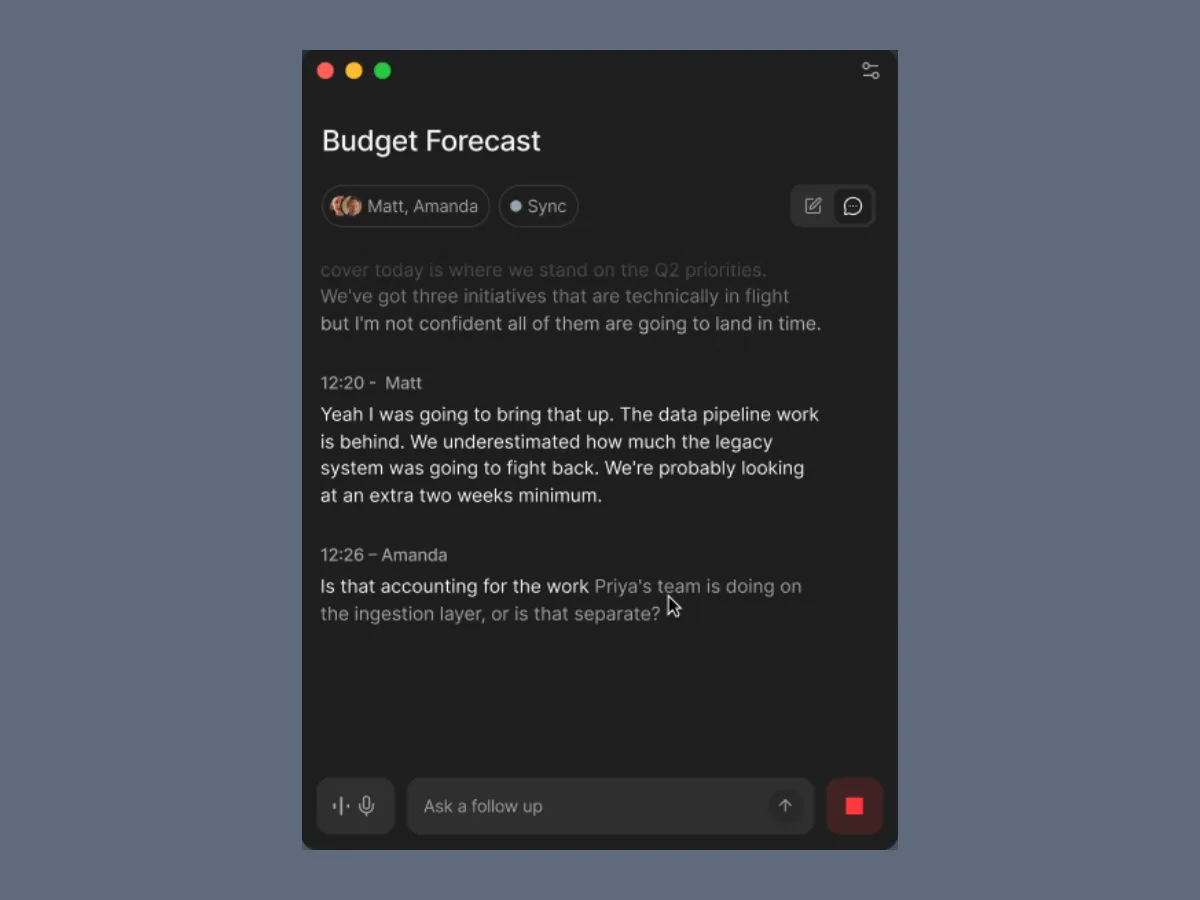
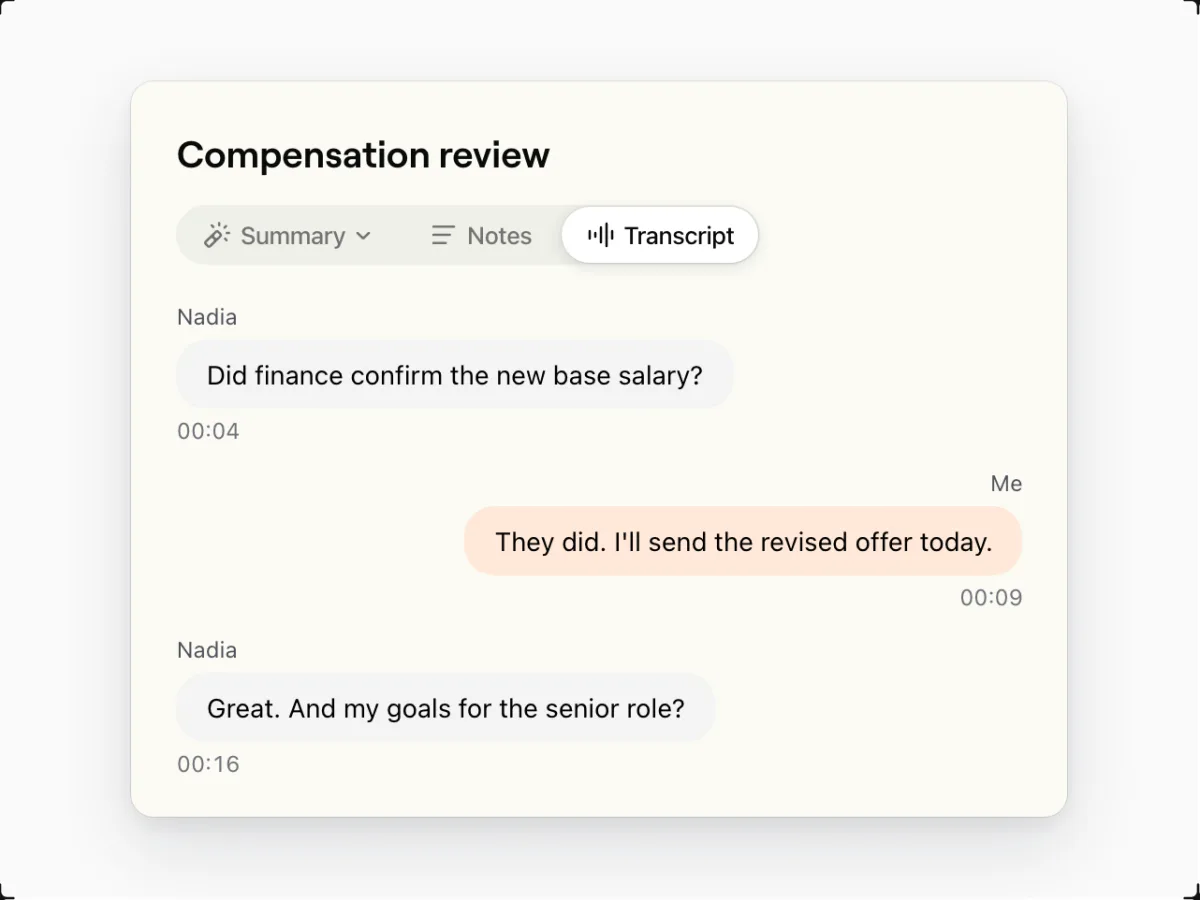
- Transcription on your device. Goodmeet transcribes on your device, so your audio isn't sent to servers or third parties for transcription. Jamie streams the audio of your meeting in real time to its transcription provider, Soniox.
- Summaries designed so nobody can read them. Goodmeet generates summaries in Private Cloud AI, which runs on confidential computing, a hardware-based trusted execution environment on Google Cloud in the EU. It is designed so nobody can read the content while it is processed: not Good Systems, not Google, not any third party. Summaries need an internet connection. Jamie uses AI models on Google Cloud and Microsoft Azure, and states it has zero data retention agreements with its AI providers.
- End-to-end encrypted sync, or none at all. Goodmeet's sync and sharing are end-to-end encrypted, readable only by your linked devices and the people you authorize, and Good Systems never holds the keys. With sync off, your meetings stay on that computer. Jamie encrypts data in transit with TLS 1.2 or higher and at rest with AES-256, with your own key on Enterprise. The Jamie pages we checked don't mention end-to-end encryption. Jamie stores transcripts, summaries and meeting metadata until you delete them or close your account.
Other comparisons
See all seven notetakers compared, or how Goodmeet compares with Granola, Otter, Fireflies, Meetily and Superwhisper. If you take notes in client sessions, read about private meeting notes for coaches and consultants. To check any notetaker yourself, use the AI notetaker privacy checklist.
Sources
Jamie facts are quoted from Jamie's own pages:
- Jamie Trust Center, checked 16 November 2026
- Jamie subprocessors, checked 16 November 2026
- Jamie security, checked 16 November 2026
- Jamie privacy policy, checked 16 November 2026
- Jamie pricing, checked 16 November 2026
Goodmeet facts come from Goodmeet's privacy policy, pricing, FAQ and help center.